
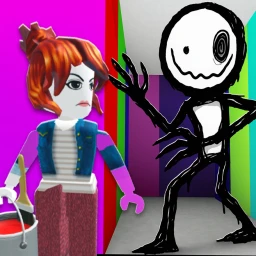
Color or Die ESP Script
-- LUA Paste | Color or Die ESP Script
-- https://luapaste.com/color-or-die/esp-script/
-- Loads ESP: highlights colors, items, the exit and the monster through walls.

loadstring(game:HttpGet("https://luapaste.com/raw/color-or-die/esp-script.lua"))()
This Color or Die ESP script shows you everything through the walls — the colors you need, the items, the exit and the monster — with names and distance, so nothing catches you out. Hit Copy Script, or use our free executor if you don't have one yet.
What this script does
Color ESP
Marks the colors you need for each puzzle.
Item ESP
Highlights the items the level needs.
Monster Tracker
Highlights the monster so you know its position.
Exit ESP
Points you straight to the level's exit.
Names & Distance
Labels everything with its name and range.
Toggles
Turn each ESP layer on or off independently.
Knowing where the colors, the exit and the monster are turns a blind horror puzzle into a planned route.
Run it with god mode to ignore the monster, or auto solve to use the colors it marks.
How to use the ESP script
- Copy the script using the button above.
- Open your Roblox executor and join Color or Die. No executor? Tap Get Free Executor.
- Paste the script into the executor's editor box.
- Press Execute. The ESP menu opens — toggle colors, items and the monster.
Using ESP in Color or Die
Most of a Color or Die level is finding the right colors and items for the puzzles while listening for the monster. ESP cuts both problems: it highlights the colors and items through the walls, shows the exit, and tracks the monster so you're never surprised.
Each layer is a toggle, so you can run just the monster tracker for a tense run or the full readout to speed through. It pairs naturally with the auto solve script, which uses the same color data to clear the puzzles.